It is a text-led video workflow for adult creative projects. A written brief guides a new clip without requiring a source image. Uncensored describes the site’s positioning; each selected model still has its own content rules and available settings.
Start with words, direct an adult scene.
Uncensored AI text to video creates a new clip from a written scene brief. You supply the subject, setting, action, and camera direction rather than a starting image. For NSFW text-to-video ideas, choose a model that supports the intended content; the site’s adult positioning does not remove model rules. If a particular starting appearance matters, use Image to Video instead.
By AI Uncensored VideoLast updated:
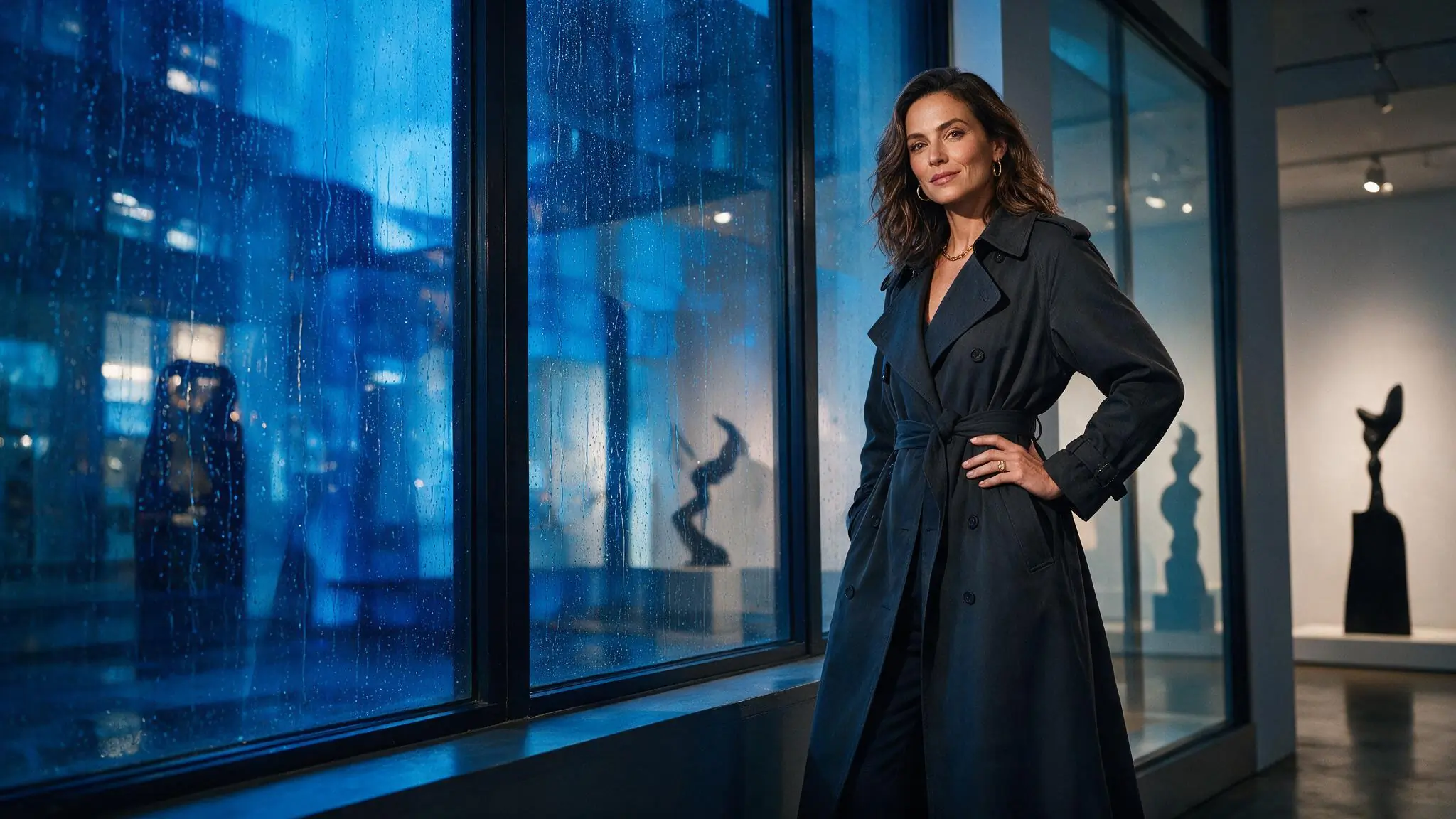
Write a shot the model can follow
Build the brief in order: what is in the frame, what moves, and how the camera sees it. A single coherent shot is easier to evaluate than a sequence of unrelated events.
- 01
Establish the scene
Describe a clearly adult fictional subject, a setting, and an opening composition. Name the most important wardrobe and lighting details without listing every object in the room.
- 02
Separate action from camera movement
Write one sentence for the subject’s action and another for the camera. For example, the performer walks left to right while the camera tracks alongside. Keep the pace consistent.
- 03
Select and review the request
Choose an available text-to-video model and output setup. Check its content rules and Credit estimate, then submit. Review the clip before adding more movement to a later request.
Three ways to direct a scene
These illustrative images show framing for suggested prompts. They are not generated results of the briefs below. Compare a tracking shot, a dolly-in, and a locked frame before choosing your own direction.
Swipe horizontally to explore all three examples.
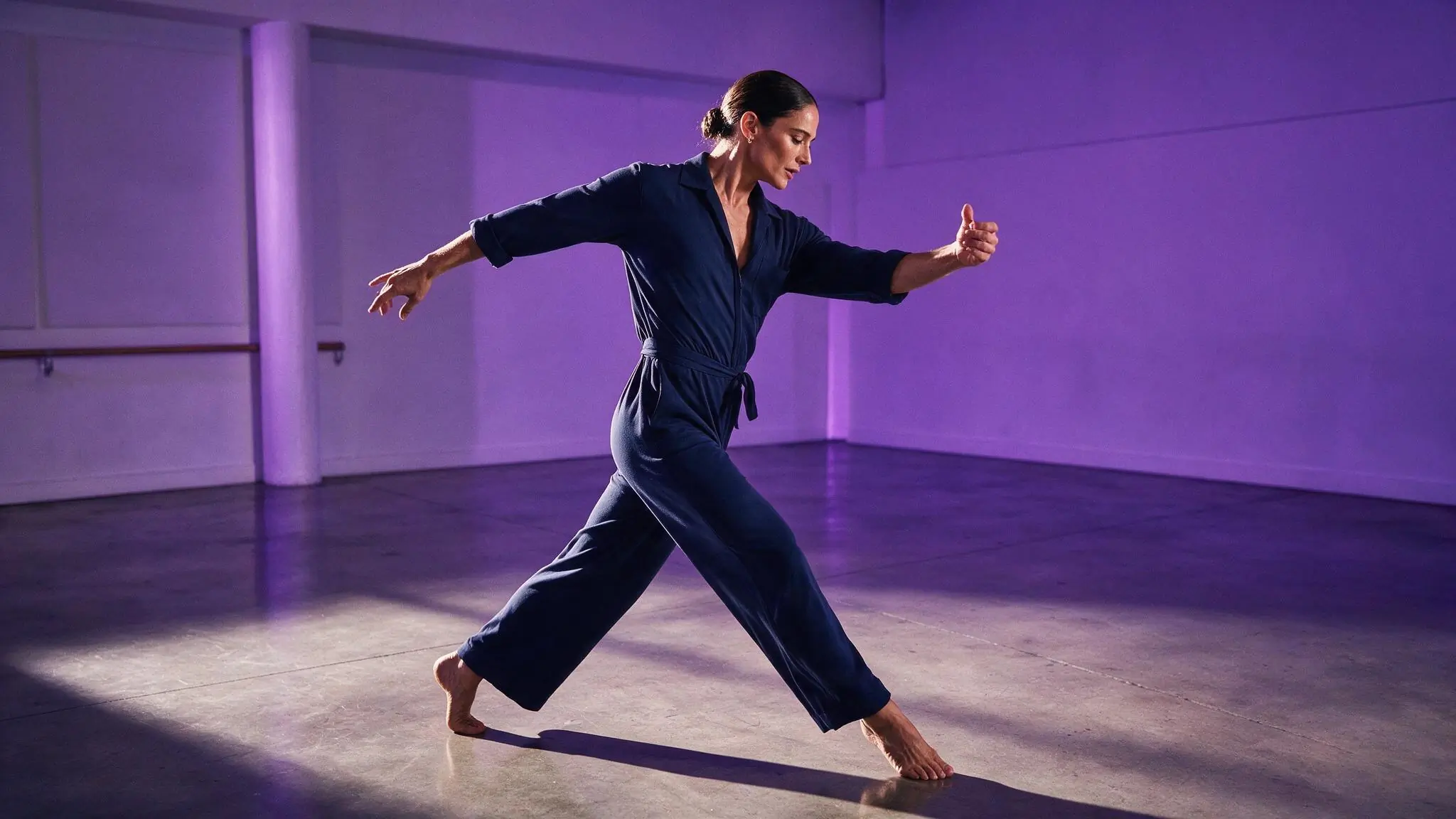
A walk through the frame
PromptA clearly adult fictional dancer walks across a violet rehearsal room in eveningwear. Track sideways at the same measured pace, with soft reflected light.
The subject’s walk and the camera’s track have separate jobs.
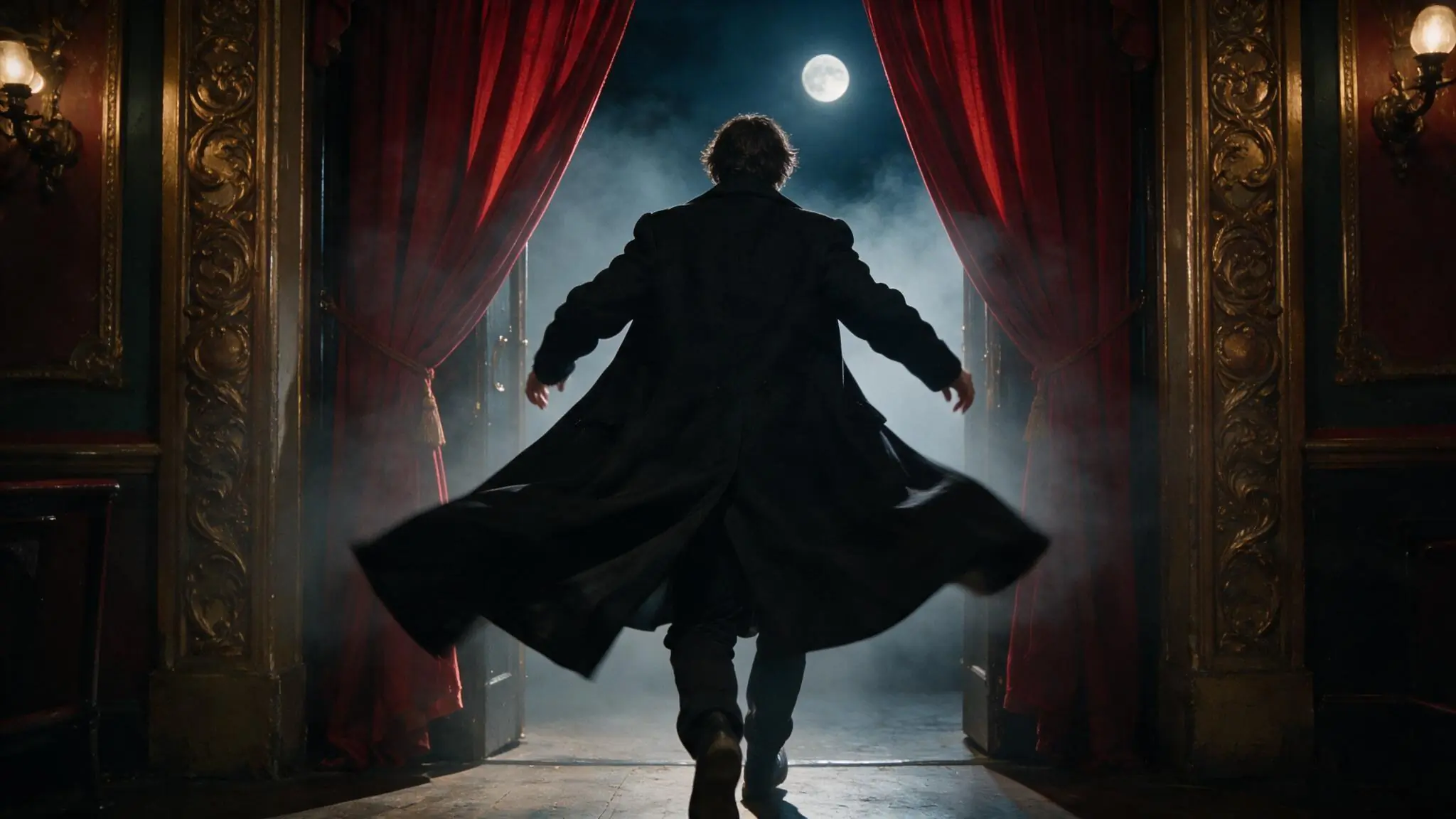
An entrance with depth
PromptA clearly adult fictional performer enters a moonlit theater through red curtains. Slowly dolly in as the coat moves with the steps; keep the doorway visible behind.
The doorway anchors the opening composition while the camera moves closer.
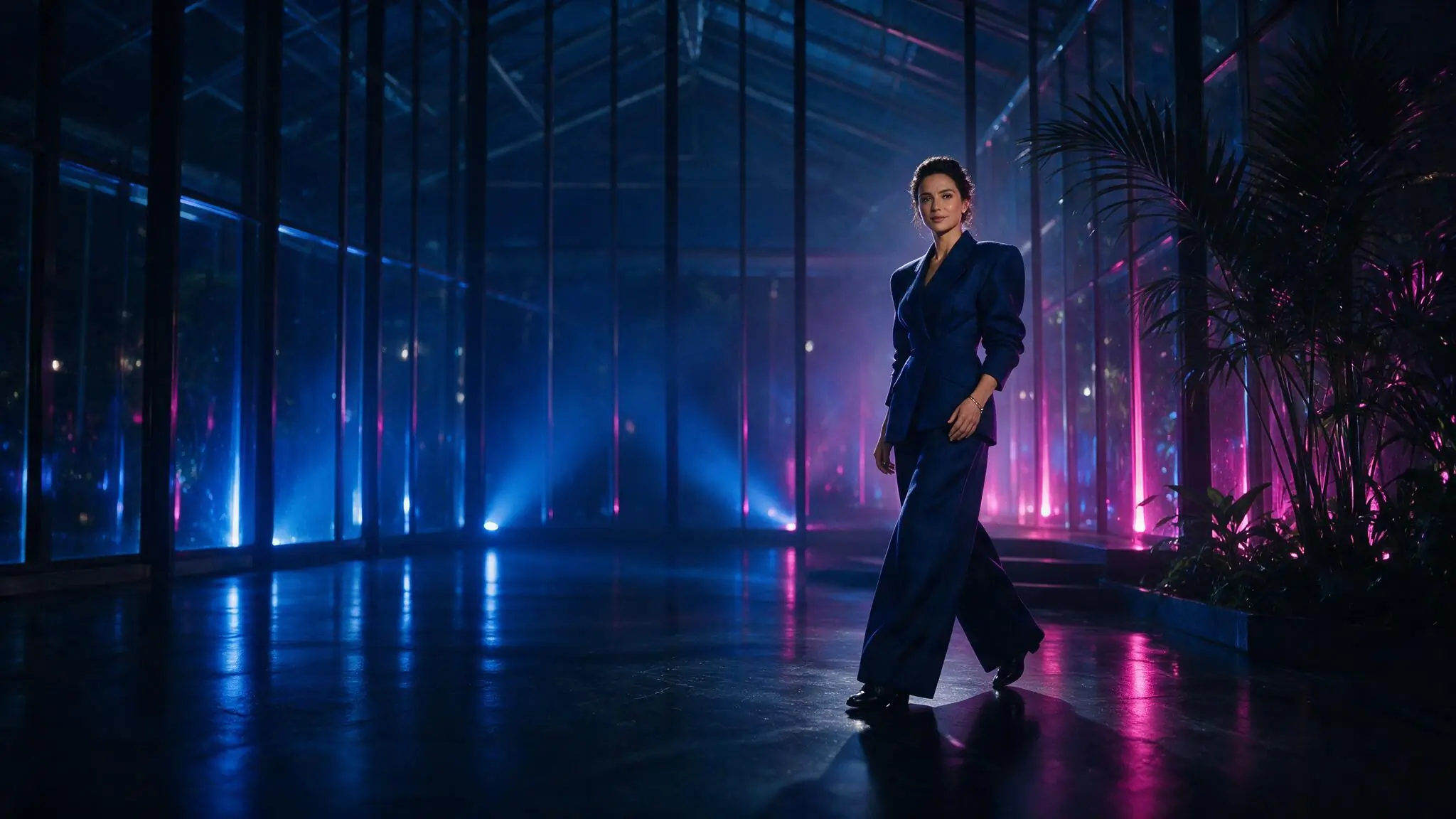
A quiet portrait moment
PromptA clearly adult fictional creator stands in a blue glass pavilion. Keep a locked wide camera while the fabric shifts gently in the reflected light.
A fixed camera lets a small subject movement carry the shot.
Choose settings for the shot
Set the frame around the scene you wrote. Duration, aspect ratio, and resolution are model-dependent; the available controls and current cost appear in the generator.
| Goal | Focus on | Why it helps |
|---|---|---|
| Test a single action | A shorter available duration | One action gives you a clear point of comparison before requesting a more complex scene. |
| Compose for a phone screen | 9:16 when available | Place the subject and main movement inside the vertical frame instead of relying on a later crop. |
| Show the surrounding space | 16:9 when available | A wide frame leaves room for lateral movement and background context. |
| Compare prompt revisions | Keep model and output settings stable | Change the brief before changing the setup so you can tell which decision affected the result. |
When the scene misses your brief
Review the opening frame, subject action, camera path, and lighting separately. Revise the instruction responsible for the mismatch, rather than replacing the entire prompt.
- Several actions compete
- Keep the main action and remove events that belong in another shot.
- Camera directions conflict
- Choose a track, dolly, orbit, or fixed camera for the first test; avoid asking for several at once.
- The subject disappears into the setting
- Put the subject and starting composition first, then reduce background activity.
- The mood changes halfway through
- Use one lighting scheme and a consistent pace instead of mixing several visual styles.
NSFW Text to Video questions
Answers about this workflow, its inputs, and the choices to review before submitting.
No. Model support varies, and all requests remain subject to the site’s content requirements. Check the model before writing a sensitive scene; an adult-oriented workspace or a sample prompt does not guarantee acceptance.
Include the subject, opening composition, one action, camera movement, pace, and light. Add a detail when it changes how the shot should look. Remove competing instructions before making the brief longer.
Use Image to Video when an authorized image should establish the starting look and composition. Text to Video is useful when you want to invent the scene from language rather than begin from a fixed still.
Yes. You can inspect the public tool and prepare your brief while signed out. Sign in to submit a generation. The preview does not run the prompt or create an output.
The selected model and output settings determine the estimate shown before submission. Check it after choosing the complete setup. Pricing explains paid offers; a suggested prompt does not establish a fixed cost.
Turn the brief into a request
Keep one main action, choose a compatible model above, and review the Credit estimate before you submit.