It creates a new still from a written adult concept. It does not edit an existing image or generate motion. Use Image to Image for a source-based edit and Image to Video to animate a suitable authorized still.
Build the starting look from an original prompt.
The uncensored AI image generator creates an adult still from a text description. Set the subject, composition, and light before requesting an image. Use the result on its own or prepare it as a starting frame for video. NSFW text-to-image support varies by model; original fictional subjects and authorized likenesses remain subject to the site’s content rules.
By AI Uncensored VideoLast updated:
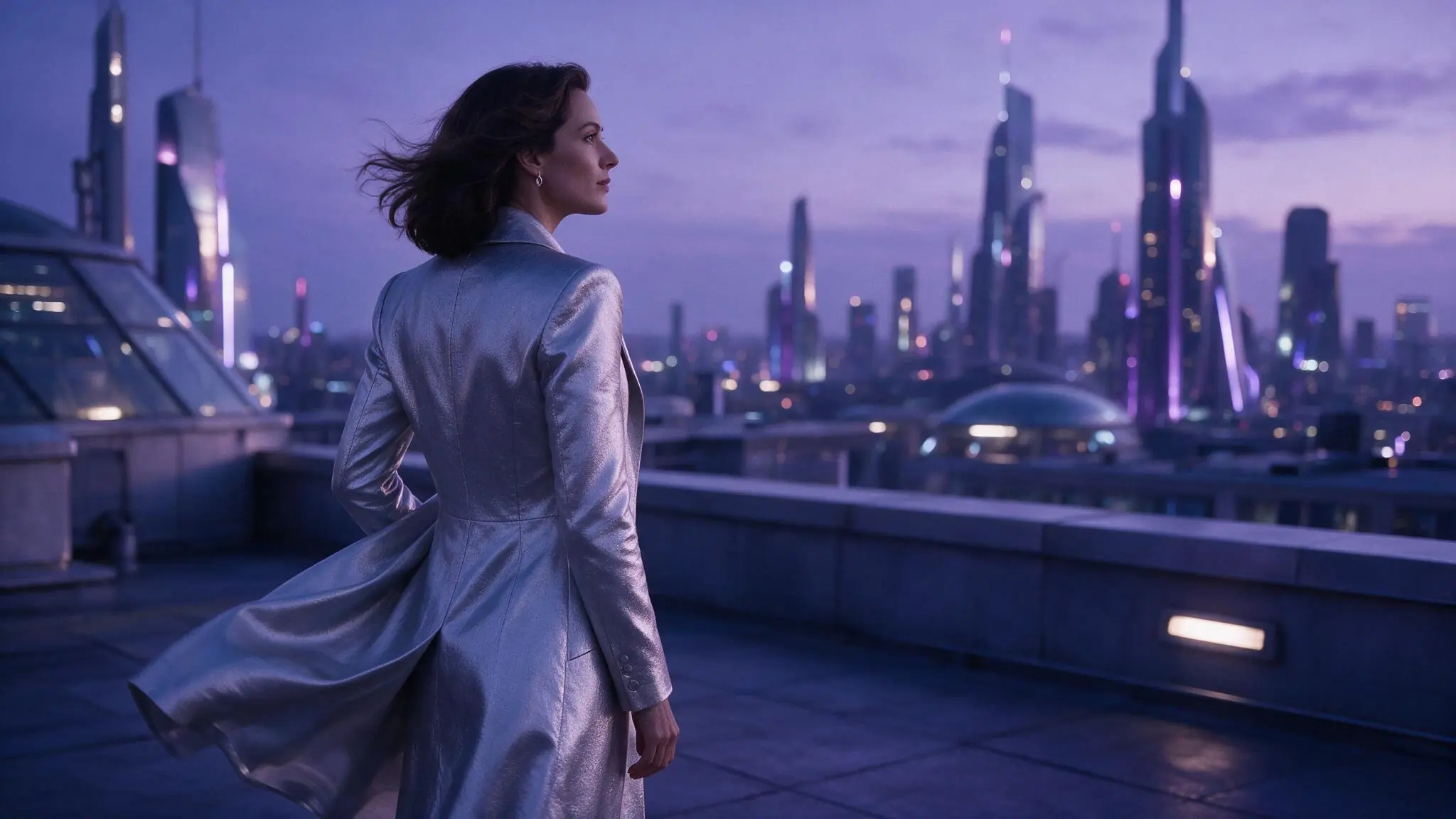
Compose a still before adding motion
An image prompt describes a frame rather than a sequence. Decide where the subject sits in the composition, then add the visual details that support that decision.
- 01
Choose the subject and frame
Describe a clearly adult fictional subject, the setting, and the point of view. Start with portrait, full figure, or environment-led framing instead of mixing several compositions.
- 02
Set a consistent visual direction
Choose one lighting scheme and a small set of wardrobe, material, and color details. Explain what matters visually rather than adding generic quality slogans.
- 03
Generate and inspect the starting image
Review the selected model’s settings and Credits, then request the still. Check the face, hands, crop, and background. Save a suitable result before using it in Image to Video.
Three briefs for an adult starting frame
These illustrative images show composition ideas, not generated results of the prompts below. Each brief gives a future motion shot a clear subject and a usable frame.
Swipe horizontally to explore all three examples.
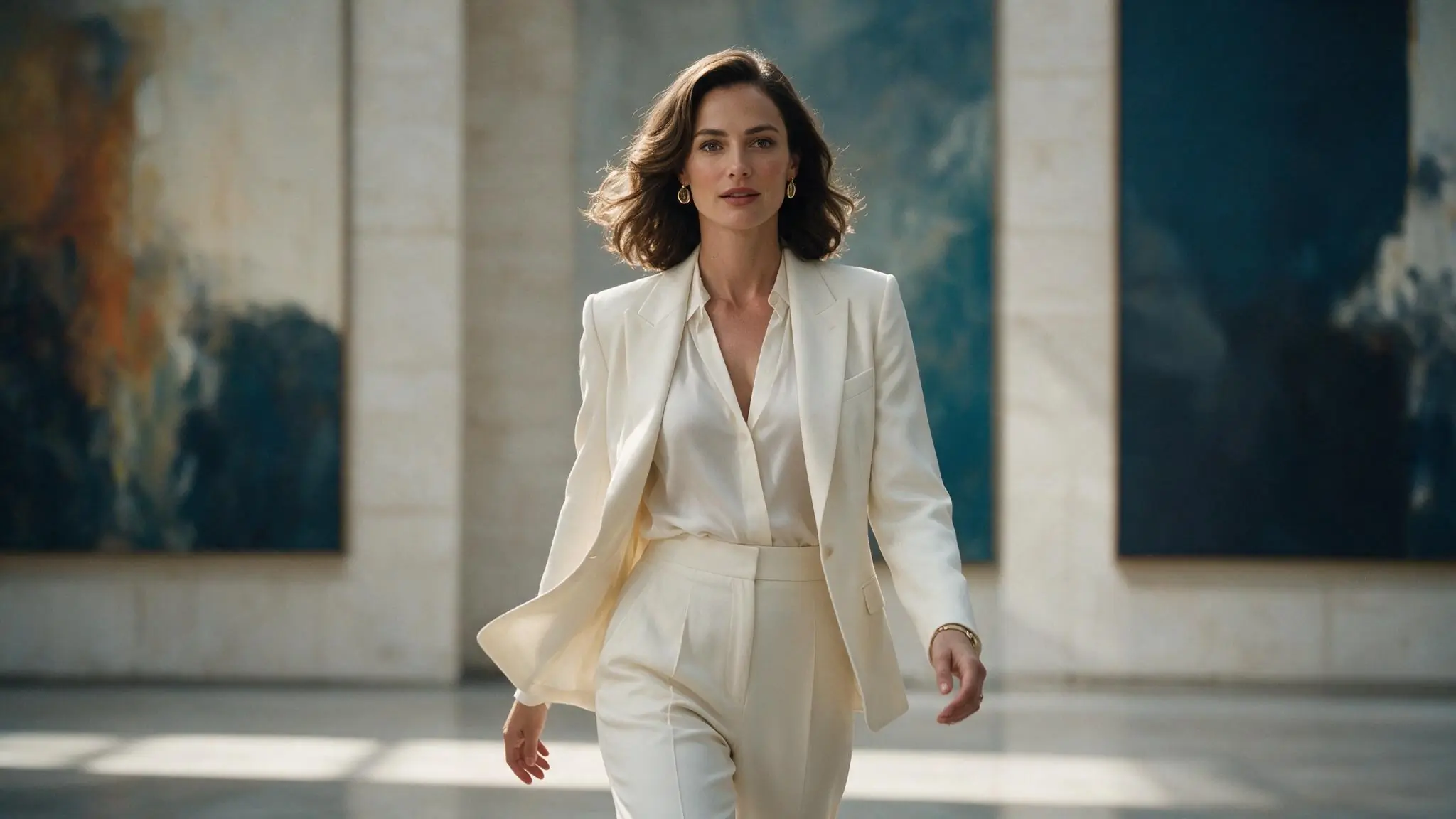
A centered gallery portrait
PromptA clearly adult fictional gallery director in an ivory suit, centered medium portrait, blue abstract canvases behind, soft daylight, natural editorial styling.
The medium portrait keeps the subject readable without losing the setting.
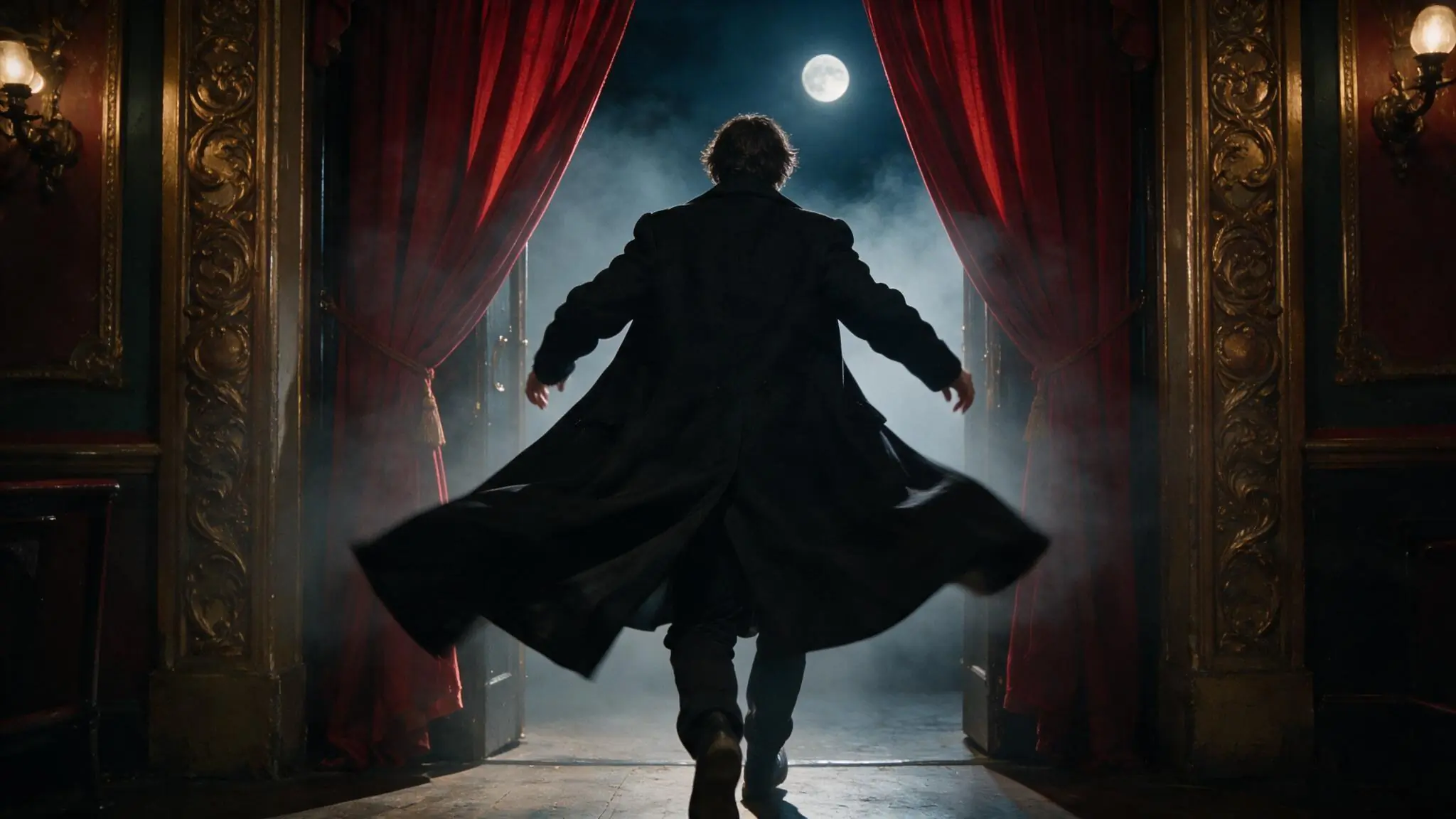
A theater silhouette
PromptA clearly adult fictional performer seen from behind at a baroque theater entrance. Center the silhouette between red curtains, with moonlight and a light haze.
A simple silhouette gives a later entrance or dolly a clear starting composition.
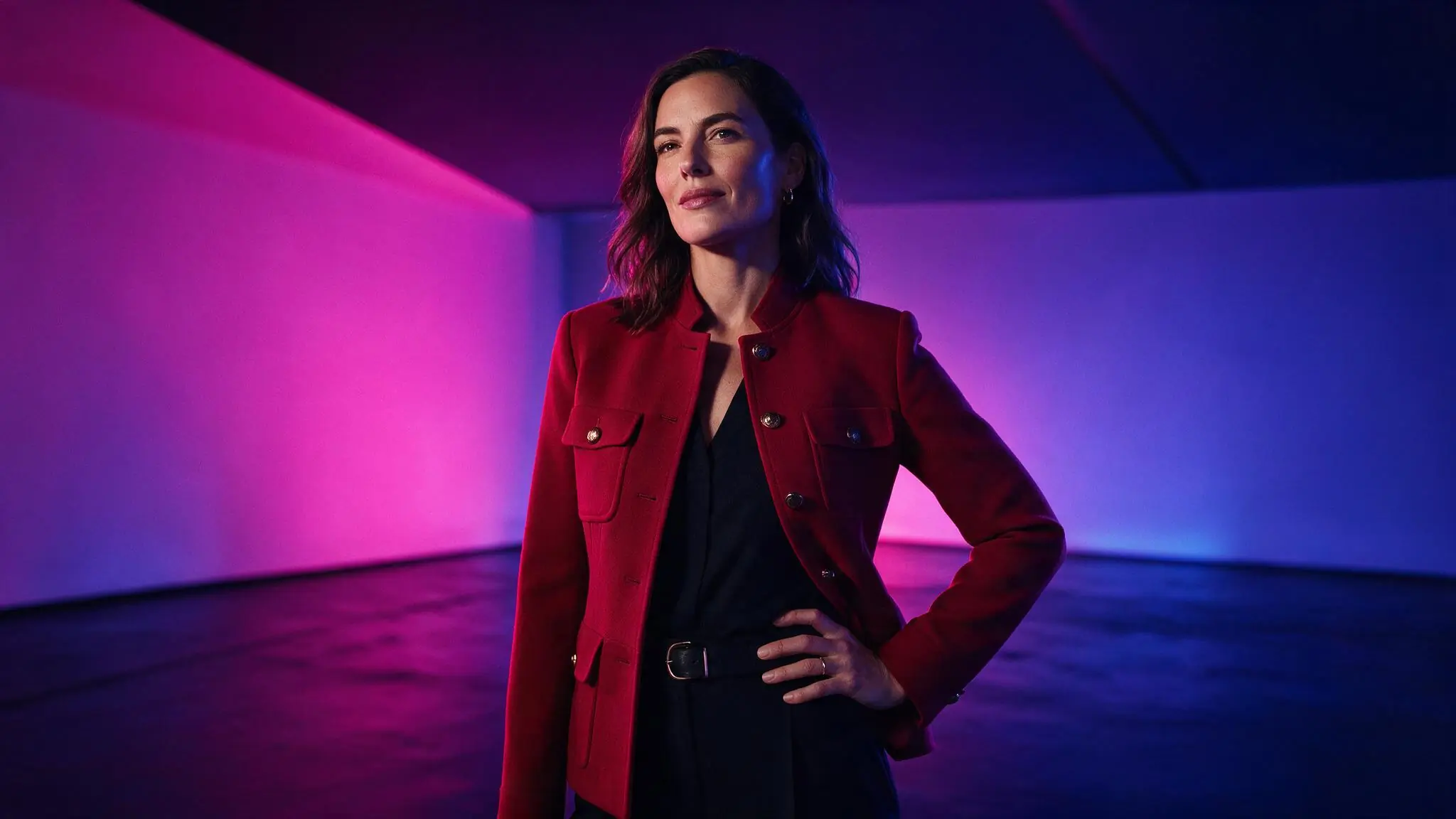
A limited-color character study
PromptA clearly adult fictional creative director in a crimson jacket, three-quarter portrait, magenta and cobalt studio light, uncluttered geometric background.
A small palette separates the subject from the background.
Choose a canvas for the still
Use the available image settings to support the composition. If the image will become a video reference, consider the intended video frame before generating the still.
| Goal | Focus on | Why it helps |
|---|---|---|
| Make a portrait | A portrait-friendly ratio when available | Place the face and hands inside the intended crop with enough surrounding space. |
| Establish a setting | A wider available canvas | Leave room for the environment if it should contribute to the later scene. |
| Prepare an image for video | The intended video aspect ratio | A compatible starting frame reduces the need for a major crop change later. |
| Compare visual choices | One stable model and canvas | Change lighting or styling while keeping the setup steady so differences are easier to judge. |
When the image is hard to use
Inspect the composition before adding more detail. A useful starting image needs clear visual priorities, especially if you intend to animate it later.
- The scene looks crowded
- Remove secondary objects and identify the main subject and focal point.
- The light has no clear direction
- Choose a main light source and remove contradictory time-of-day or studio cues.
- Important details sit outside the crop
- Choose a wider composition or describe where the face and hands should appear.
- The still offers little room for motion
- Leave space around the subject and avoid a crop that cuts through the action you plan.
NSFW Text to Image questions
Answers about this workflow, its inputs, and the choices to review before submitting.
Only within the selected model’s supported content and the site’s rules. The uncensored positioning does not guarantee that a model accepts nudity or explicit requests. Check suitability before preparing the prompt.
This workflow starts from text. Describe the subject and composition in the prompt. If an existing image must establish the appearance, choose the image-to-image workflow instead.
Choose the intended video frame, keep the adult subject readable, and leave room for movement. Review the result, save it, then bring it into Image to Video with a separate motion prompt. A good still does not guarantee identical details in the clip.
Consistency is not guaranteed. Outputs can differ even when the brief is similar. Review each still for the details that matter; do not treat a suggested character description as proof of exact identity preservation.
The image model and available settings determine the estimate before submission. Check that estimate for the still, and check again if you later request a video: they are separate generation tasks.
Create a frame worth animating
Set the subject and composition in the tool above, review the image setup, and inspect the result before planning motion.