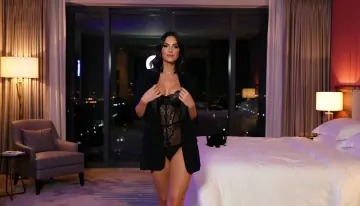
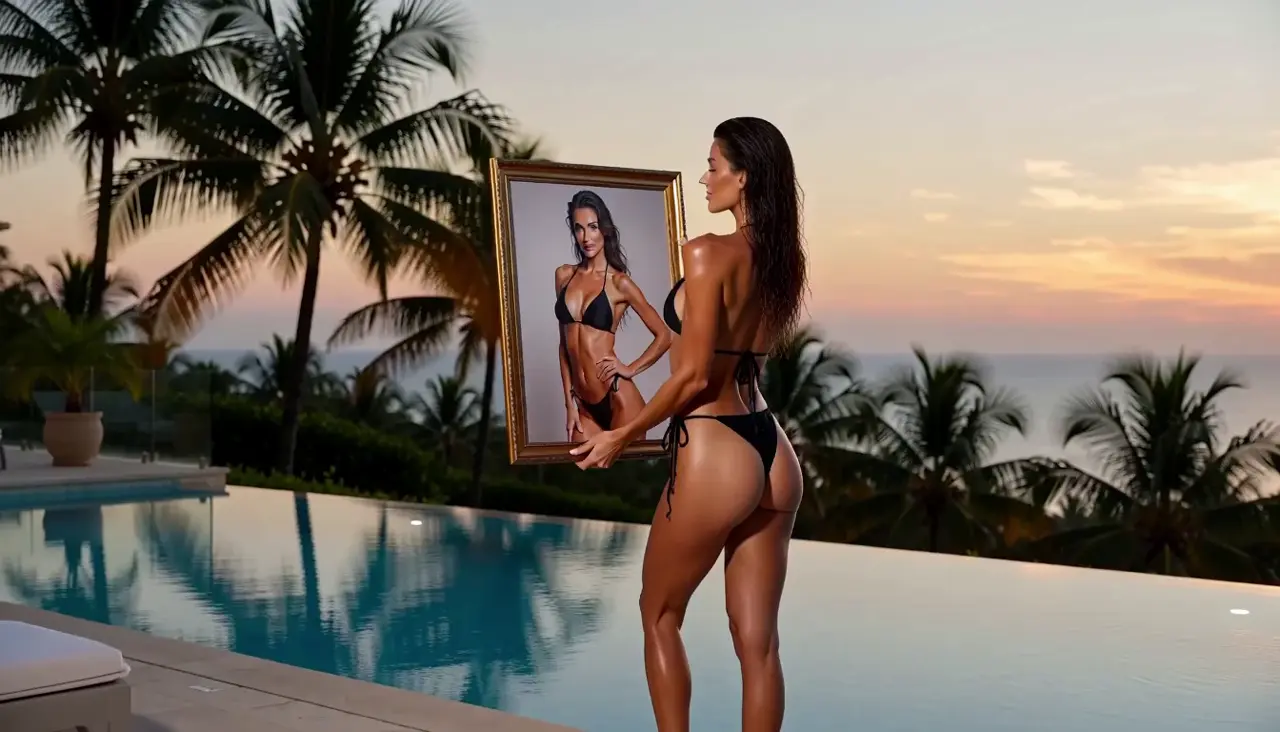
Slowly move the camera toward this authorized adult subject. Keep the starting composition, add a gentle fabric shift, and let the crimson studio light stay steady.
- Live Catalog model
- 5 seconds
- 16:9
- 720p
- Credit estimate before generation
AI Uncensored Video is an NSFW AI video generator for adult creators. Turn a text prompt or an authorized image into a new scene, with motion you describe. Check the model’s content rules and Credit estimate before generating.

This example starts with an image. Copy the motion brief, then open Image to Video to add your authorized source and choose a model. The example settings are for orientation; the live Catalog and your account determine the available options and Credits.

Slowly move the camera toward this authorized adult subject. Keep the starting composition, add a gentle fabric shift, and let the crimson studio light stay steady.
Choose text when you want to invent a scene, or an authorized image when you already have a starting frame. The same three decisions take either route from idea to review.
Write an original adult scene in Text to Video, or bring a permitted still to Image to Video. Describe one subject action and one camera move.
Use a model that supports your intended request. Compare the available duration, framing, resolution, and Credit estimate before submission.
Sign in to submit the request and track it in your Workspace. Check the finished clip for motion, visual details, and suitability before downloading or sharing.
Compare a side-tracking walk, a theater dolly-in, and a rooftop turn. These prepared adult fashion demos show camera and subject movement; their generation records are available in Demo notes.
Fictional adult subjects · existing template demos
Use a portrait, a moving scene, or a faceless teaser as your starting idea. The existing videos illustrate each direction; they do not establish every model’s NSFW content support.
Begin with a portrait you have permission to process. Request a gentle dolly-in or small fabric movement, then review how closely the generated clip follows the source.
Describe an adult subject walking through a setting and let a side-tracking camera follow. Text to Video suits an original scene without a fixed starting image.
Use wardrobe, light, and a slow camera move to create adult atmosphere. A faceless concept still needs lawful source material and review before sharing.
Compare subscriptions and one-time Credit packs. The generator estimates each request before submission. An active subscription removes automatic expiry from completed results; without one, results remain available for 7 days.
A subscription Credit allowance with the listed Premium options for each paid period.
Billed $149.90 yearly
145 credits each billing period
SubscribeA larger subscription allowance for more frequent image and video requests, with the listed Premium options.
Billed $299.90 yearly
390 credits each billing period
SubscribeThe largest subscription allowance shown here, for creators planning more requests each period.
Billed $599.90 yearly
975 credits each billing period
SubscribeSix suggested prompt choices drawn from the existing adult fashion demos. Use them to separate camera, light, and subject action. The original requests and measured files are documented in Demo notes; these suggestions are not customer reviews.
Track beside the adult subject walking through the lounge. Match the camera to the walking pace and keep the whole subject readable.

Keep violet window reflections behind the adult subject and warm lamps to the side. Use the contrast to separate dark eveningwear from the lounge.

Begin wide enough to show the adult performer and theater. Dolly slowly toward the performer while keeping the stage centered.

Use amber stage light with the adult performer’s champagne gown. Ask for a measured turn so the fabric catches the light without several competing actions.

Have the adult subject turn, then approach the camera on the moonlit rooftop. State the order so the two actions form one readable movement.

Let the silk robe follow the adult subject’s turn. Keep the rooftop light steady so fabric motion adds detail without changing the whole scene.

What the tools do, how model rules affect NSFW requests, and what to check before your first generation.
AI Uncensored Video is an adult AI video workspace with text-to-video and image-to-video tools. Its image tools can help prepare a starting frame. Choose a workflow, inspect the available models and settings, and review the Credit estimate before submitting.
No. Uncensored describes the site’s adult creative positioning, not a promise of unrestricted generation. Models have different content rules, and the site’s consent and safety requirements apply to every request. Check the selected model before preparing sensitive content.
Use Text to Video for an original written scene. Use Image to Video when an authorized still should establish the starting subject and composition. In both cases, keep the subject action and camera movement clear and choose a compatible model.
No. The homepage shows prepared demo files inherited from the presentation template. They depict fictional adults in fashion and cinematic scenes. Demo notes document recorded requests and measured files; the previews are not live results or proof of unrestricted NSFW generation.
The selected model and settings determine the Credits required. Review the estimate in the generator before submitting. Pricing explains the available paid offers; a displayed demo is not a generation price quote.
Only with the rights and informed consent needed for the AI processing and intended use. Every depicted person must be an adult. A publicly available photo does not supply permission for an adult AI depiction.
You can browse the demos, prompts, guides, and tool previews without purchasing Credits. Submitting a generation requires an account and the Credits shown for the selected setup. Free browsing does not promise free or unlimited generation.
Choose Text to Video for a written idea or Image to Video for an authorized still. Inspect the model’s settings and Credit estimate, then submit when your brief is ready.